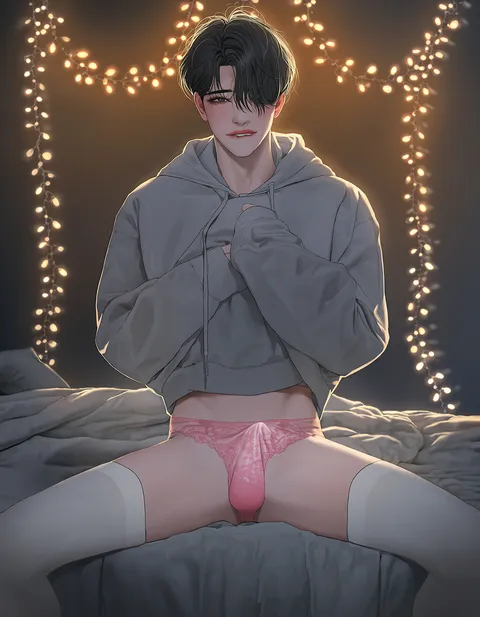
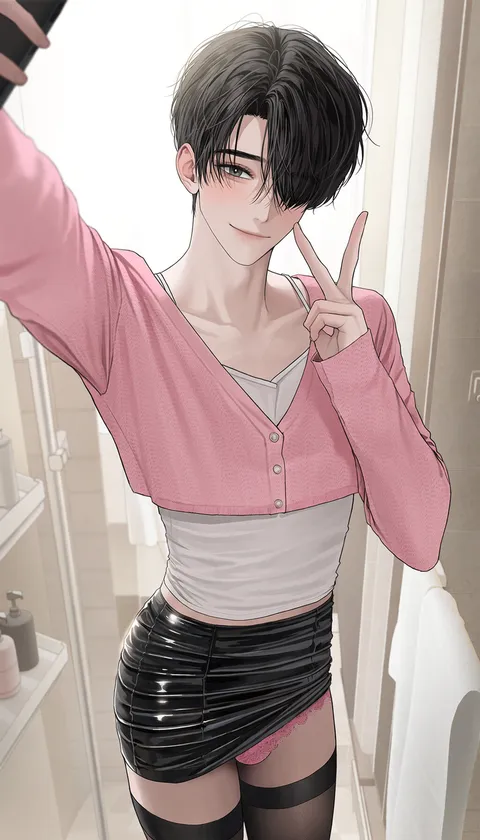
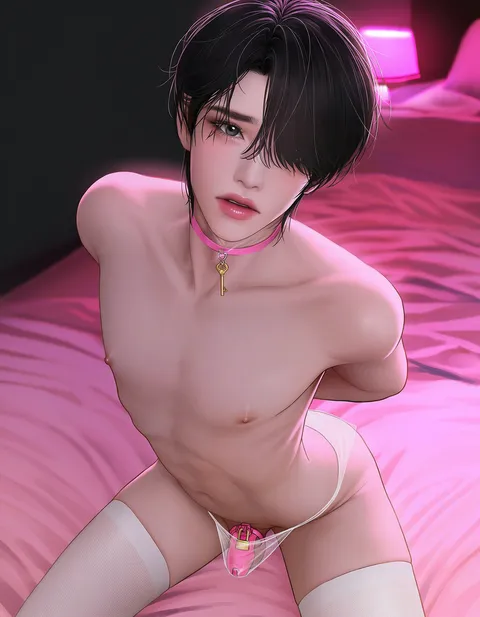

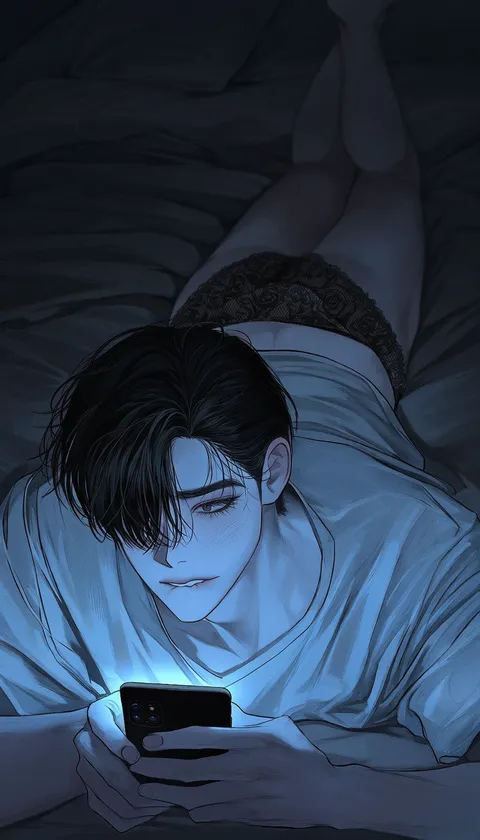
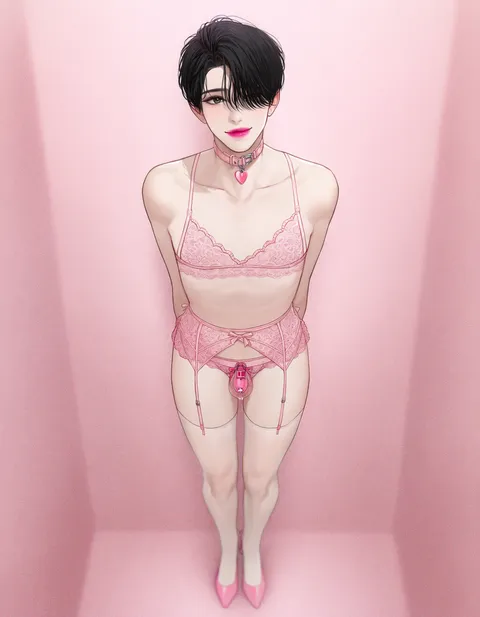
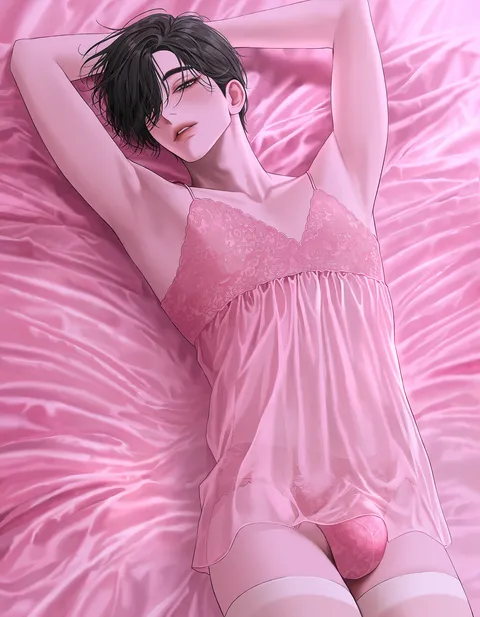
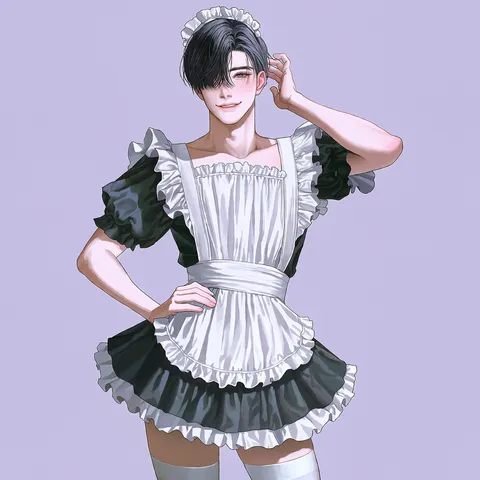
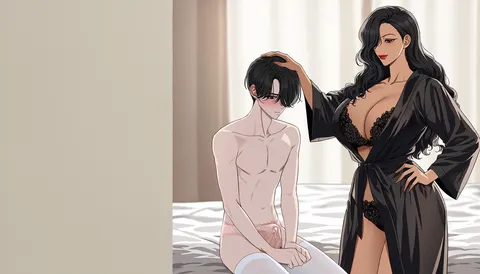
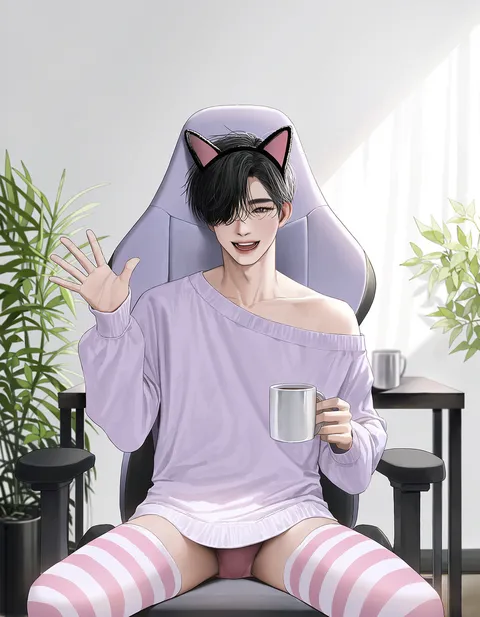
How the sissy caption maker works
Tap Use this one under any template in the gallery, or tap Use my photo and pick a picture from your phone or computer. A template loads with its caption already on it, and you can change every word. To put your own photo in a template and keep its caption, open Photo, pick the picture and tap Swap this picture for mine. In Before / After, Nah / Yeah, Her vs You and Pick Your Outfit you can swap each picture on its own, and the other pictures and the text stay as they are. With your own photo, pick a layout in the Layout tab: bottom text, pink glow, POV bar, mirror strip, side panel, day counter, rules list, chat bubbles, labels with arrows or a post card. The layout sets up the text boxes, fonts and panels, and you can change all of it after. Each layout starts at its own shape, and you can change that under Photo (4:5, 1:1, 9:16, 16:9 or Original, which keeps your photo’s own shape). Type your caption in the Text tab, or tap a starter line. Drag a box by its handle or use the arrow buttons, and add more boxes if you need them, up to 12. Each box has its own font, size, color, outline, glow, background panel and alignment. When it looks right, open Save, pick JPEG or PNG and tap Make my picture. Then tap Save picture, or Share to send it from your phone.
What is a sissy caption?
A sissy caption, or sissy cap, is a picture with a few lines of text on it, usually written to “you” by a Mistress, a wife or a keyholder. The text tells you something about yourself or gives you an order, like “Keep the panties on and rub your clitty through the lace.” Chastity caps are about being locked, and TG caps tell the story of a guy being turned into a girl. Most caps went up on Tumblr until it banned adult content in 2018, and now they’re mostly posted on Reddit, X and Bluesky.
How to make a sissy caption
- Pick a picture: tap Use this one under a template, or Use my photo to caption your own. To keep a template’s caption with your photo in it, tap Swap this picture for mine under Photo, once for each picture you want to change.
- Pick a layout: for your own photo, choose a layout like bottom text or a side panel, then change its shape under Photo if you want. Templates already have theirs.
- Write it: type in the text box, or tap a starter line to drop it in.
- Move it: drag the handle on the text, or use the arrow buttons. On a computer the arrow keys move it too, and holding Shift moves it further.
- Style it: change the font, size, color, outline or the panel behind it. ALL CAPS changes how the text looks without you retyping it.
- Save it: in the Save tab, pick JPEG or PNG and tap Make my picture, then Save picture. On a phone you can tap Share instead.
Sissy caption ideas
There are 30 starter lines in six groups. Tap one to put it in the text box you’re working on, then change it to fit you. Good caps are short and talk to “you”. Say something true about the person in the picture, then add a twist or an order, and name the actual thing, like her lace thong. One line from each group:
- Cute: “Pink looks way better on you than you thought it would.”
- Teasing: “Every time you sit down you feel the lace and get a little hard.”
- Humiliation: “Your little clitty twitches every time someone calls you a good girl.”
- Chastity: “You asked how long you’d be locked and she told you to ask again in a month.”
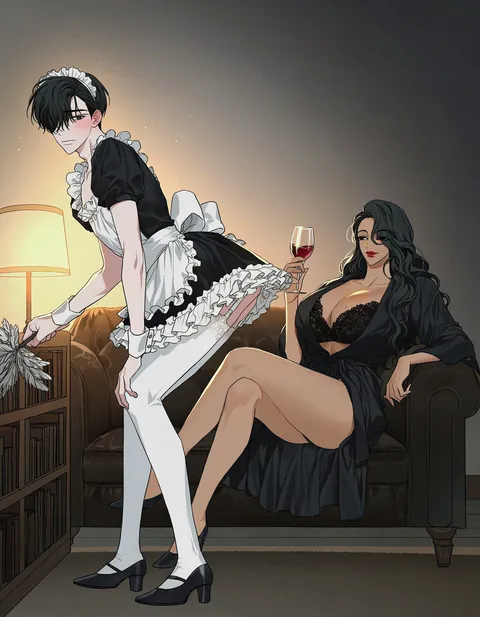
- Maid: “Bring her tea and her slippers, then kneel by the couch and wait.”
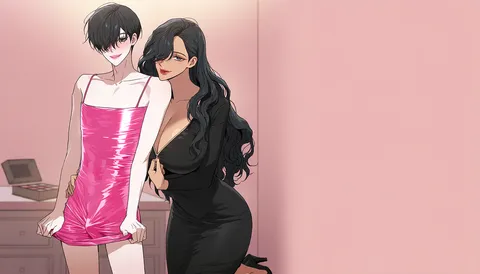
- Her orders: “Panties on under your work clothes tomorrow, and send me a pic at lunch.”
Chastity captions
Chastity caps are about being locked: how long it’s been, who has the key and what she does with it. The Locked template has a big DAY 12 counter in the corner that you can change to your own number, and a line along the bottom about the key bouncing on your chest from your choker. For your own photo, pick the day counter layout. Her vs You and Text From Her are about denial too, and the Chastity starter lines cover your keyholder, Locktober running into November and the weekly cleaning break.
Caption styles and when to use them
- Bottom text: big white letters with a black outline along the bottom, as on Panty Check. It suits a one-liner.
- Side panel: the picture on one side and the text on a plain panel next to it, as on Dressed By Her and Ruined. It holds a whole paragraph, so use it for a short story.
- POV bar: a white bar across the top for a line that starts with “POV:”. On Your Knees uses it.
- Mirror strip: lowercase text on a see-through dark strip across the middle, the way people caption a mirror selfie. First Cute Selfie is one.
- Day counter: a big pink day number in the corner and a line on a black bar at the bottom, for chastity caps.
- Rules list: a script title and numbered rules on a dark panel, like Maid Rules.
- Chat bubbles: a made-up text chat between her and you over a darkened picture, with Read under your last message. Text From Her is built this way.
- Labels with arrows: short handwritten labels pointing at parts of the picture, like Parts of a Sissy. Tap a label, then drag the dot at the end of its arrow to change what it points at.
- Pink glow: two or three lines of glowing pink text in the middle, for something cute and a little dirty. Pink and Pretty has it.
- Post card: a made-up social post at the top with your own @handle, as on Femboy Friday.
- Two or four pictures: Before / After, Nah / Yeah, Her vs You and Pick Your Outfit only work as templates, because they need more than one picture. You can swap each picture in them for your own under Photo, so Pick Your Outfit can show four of your own outfits, and the captions stay where they are.
Captioning your own pic
Use a photo of yourself, or of an adult who’s OK with being captioned. It opens in your browser and never leaves your device. You can also put it in a template in place of one of its pictures: open Photo, pick the picture or tap it on the preview, and tap Swap this picture for mine. Put the template picture back undoes it. Tap Move photo to drag it around in the frame, and use the zoom slider to get closer. If you don’t want it cropped, fit the whole photo instead, with a plain color or a blurred copy of the photo behind it. To keep your face out of it, add a pixelate box, a black bar or an emoji sticker (hearts, a bow, a lock, a key or lips) and drag it over your face. The saved picture is redrawn from pixels, so it carries no location or camera data from your photo. If an iPhone photo won’t open, it’s probably a HEIC file, and the page tells you how to fix it.
Posting your caption
The standard save is a JPEG, 1080 × 1350 for the 4:5 shape, which posts fine on Reddit, X, Bluesky and Discord. In a layout for your own photo, HD saves the picture at about twice the size. Copy caption text copies all the words on the picture, so you can paste them in as alt text. Caption communities share most of their rules, and they remove posts that break them:
- The text goes on the picture: a caption that’s only in the post title gets removed.
- It has to be easy to read: keep the outline or the panel on, and crop off blank space.
- No begging lines: leave out “reblog if”, “repost” and “upvote if”, and don’t ask people to DM you.
- Adults only, and they have to look it: that goes for drawn and AI art too.
- Real people only with their say-so: don’t caption anyone you know in real life or found on social media unless they’ve said yes.
- AI art: the template pictures are AI-made, and some communities don’t allow AI art or want it flagged, so check before you post one.
- Feminine looks: some sissy caption spaces remove pictures where the guy looks very masculine, so Before / After fits meme spaces better.
- Adult labels: on X and Bluesky, mark the post as adult content when you upload it.
How your caption is made
Everything happens in your browser. The photo is read straight from your device and drawn on a canvas with your layout and text, and the preview and the saved picture use the same drawing, so they match. The page’s Content-Security-Policy stops it connecting to anything, so it has no way to upload your photo or your text. Saved files have a plain name like caption-20261101-2145.jpg, with no watermark. Your text, styles and layout are kept in this browser as a draft. Your photo is only kept too if you tick Keep my photo on this device too, which also keeps every photo you swapped into a template, and Delete draft clears all of it. Undo and redo go back and forward up to 50 steps.
Sissy caption questions people ask
What is a sissy caption?
A picture with text on it, usually written to “you” about being feminized, locked or told what to do by a Mistress, wife or keyholder. People call them sissy caps for short.
Is the sissy caption maker free? Do I need an account?
It’s free, with no account, no app and no watermark on what you save.
Can I put my own photo in a template and keep the caption?
Yes. Open the template, go to Photo, pick the picture you want to change and tap Swap this picture for mine. Only that picture changes, and the caption, the other pictures and the shape stay the same. In Before / After, Nah / Yeah, Her vs You and Pick Your Outfit you can swap every picture, each for a different photo. Put the template picture back brings the old one back.
Does my photo get uploaded anywhere?
No. It opens in your browser, the caption is drawn on it there, and the finished picture saves straight to your device. We never get your photo or your text, and the page is set up so it can’t connect to anything to send them.
Can I caption a photo of someone else?
Only an adult who’s OK with it. Don’t caption people you know in real life or found on social media without asking them. Posting a sexual caption of a real person who didn’t agree gets you banned from caption communities, and it can be against the law.
Are the people in the templates adults?
Yes. They’re made-up characters in their mid-20s and 30s, drawn to look clearly adult, in their own homes. None of them is a real person.
Can I post the template captions on Reddit?
Yes, and you don’t need to credit us. The template pictures are AI-made, though, and some communities don’t allow AI art or want it flagged, so check the rules before you post one there.
What should I write in a sissy caption?
Something short, written to “you”, that says something true and then twists it or gives an order: “You said you’d only try the panties on once. That was three weeks ago and you’re wearing them right now.” If you’re stuck, tap one of the 30 starter lines and change it to fit.
Can I make chastity captions?
Yes. Start from the Locked template, which has a day counter you can change, or pick the day counter layout for your own photo. There’s a group of Chastity starter lines too.
Why won’t my iPhone photo open?
It’s probably a HEIC file, the format iPhones save photos in, and Chrome, Edge and Firefox on a computer or an Android phone can’t open it. Open this page in Safari, pick the photo straight from the Photos app on your iPhone, or take a screenshot of it and use that. On Windows, open it in Photos and save a copy as a JPG.
How do I save the caption to my iPhone photos?
Tap Share and choose Save Image. If you don’t see Share, press and hold the finished picture and tap Save to Photos. A normal download on an iPhone goes to the Files app instead.
What size should a caption be for Reddit, X or Bluesky?
4:5. It saves at 1080 × 1350 as a JPEG, which posts fine on all three. Your own photo starts at its layout’s shape, so check Shape under Photo before you save. Pick 9:16 for stories, and 16:9 if you want a wide side-panel caption.
Does the saved picture have my location in it?
No. The saved picture is redrawn from pixels, so none of your photo’s location or camera data goes with it. The picture itself can still give you away, like your face, a tattoo or your bedroom, so cover anything you don’t want seen.
Can I hide my face?
Yes. Add a pixelate box, a black bar or an emoji sticker and drag it over your face. The stickers are hearts, a bow, a lock, a key and lips.
Can I save my caption and finish it later?
Yes. Your text, styles and layout are kept in this browser as a draft. Tick Keep my photo on this device too if you want your photo kept as well, along with each photo you swapped into a template, or you’ll pick them again when you get back. Delete draft clears all of it, and your browser can clear drafts on its own after a while.
Can I make GIF captions?
Not at the moment. It makes still pictures, saved as JPEG or PNG.
Not sure what kind of sissy you are? Take the Sissy Test. For panty and lingerie dares to go with your caps, try the Sissy Dare Generator, or its chastity dares if you’re locked. If your caption is a list of her rules, write them into a Good Girl contract and sign it together, or use a Caged Sissy contract for the key rules. The Sissy Training Program gives you daily tasks that count toward six levels, and Sissy JOI gives you orders in real time. For the clothes and the cute side without the kink, take the Femboy Test.
How our quizzes work. Updated 1 November 2026.